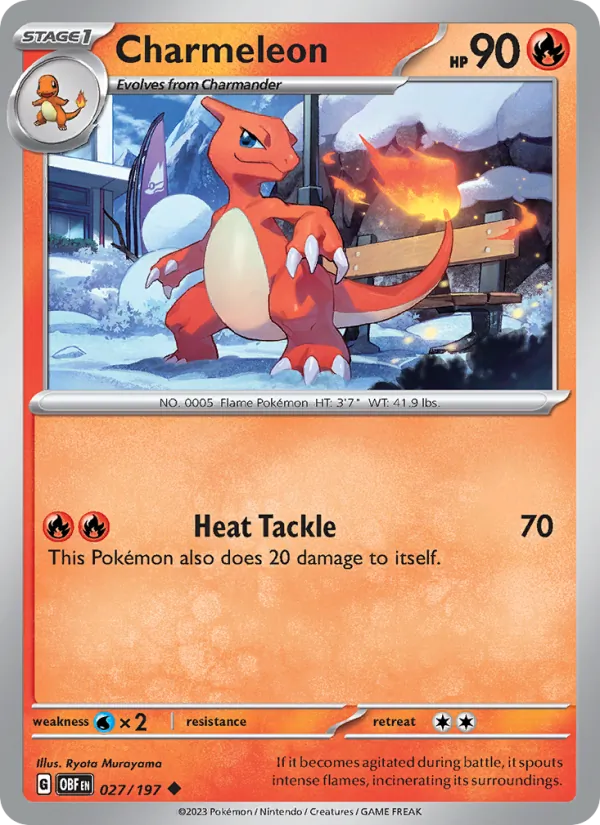
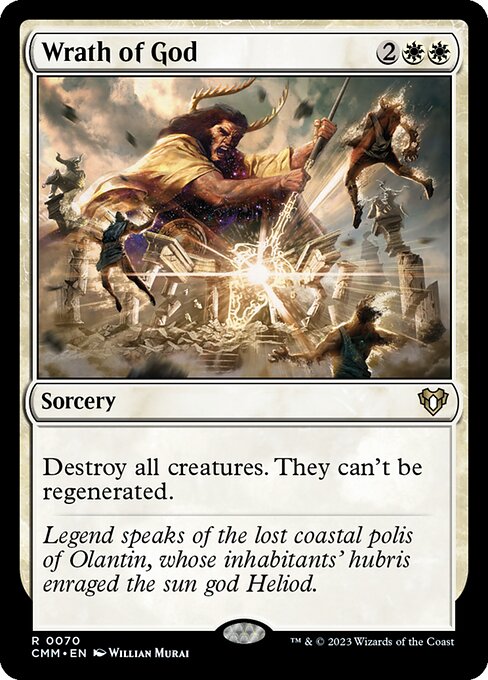
Magic and Pokémon
Every card you own. Free. No paywall, no ads.
Bring your collection from ManaBox, Moxfield or 8 other apps. BinderLoot files every copy, then shows you the decks already sitting in your boxes.
Free account. Every feature, no tiers. Export everything, any time.
1,065 Magic: The Gathering sets and 771 Pokémon sets in the catalogue.
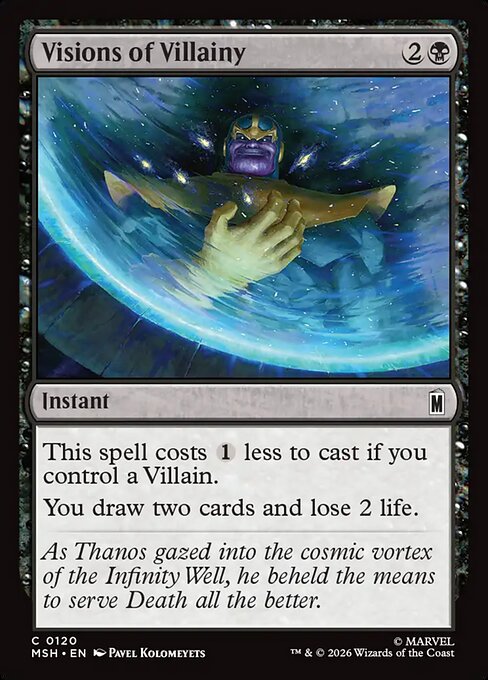
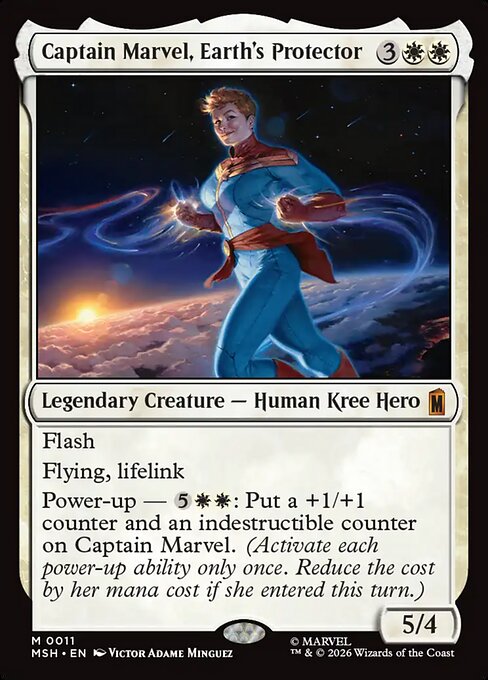
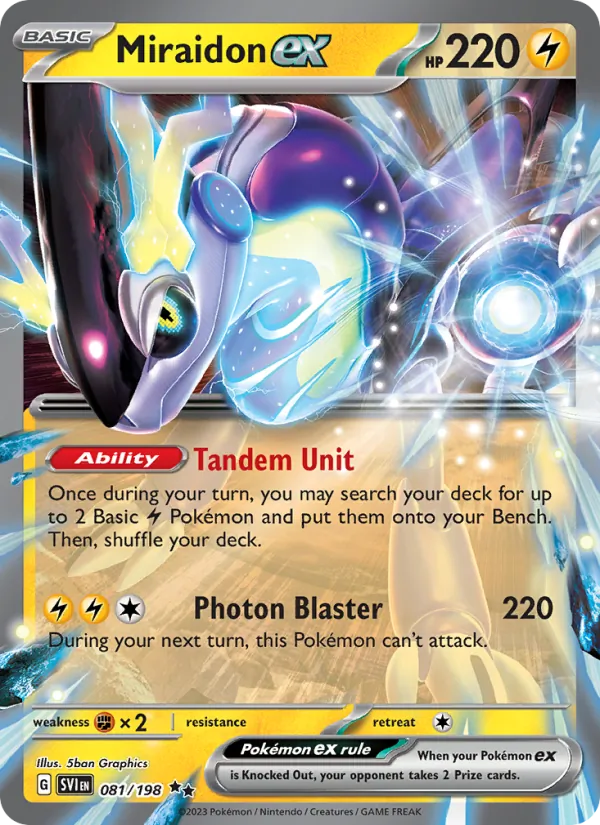
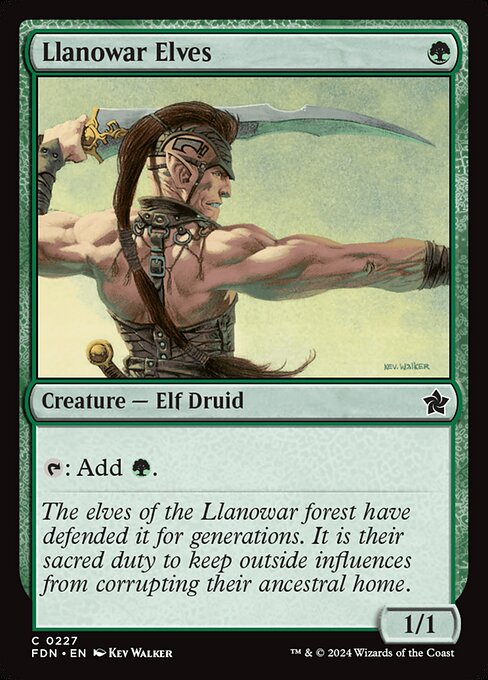
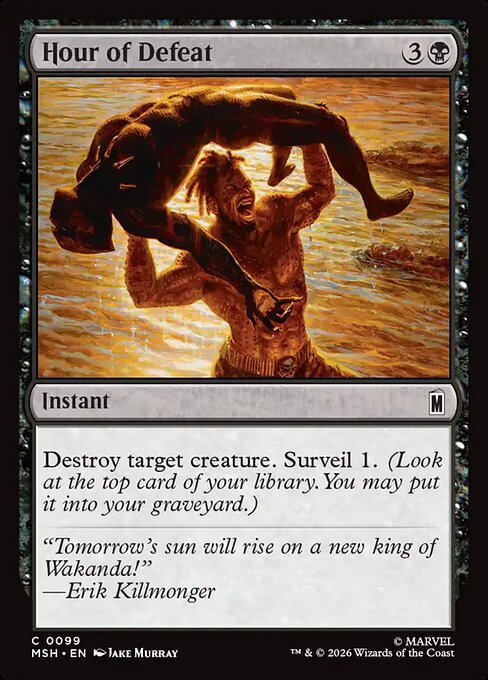
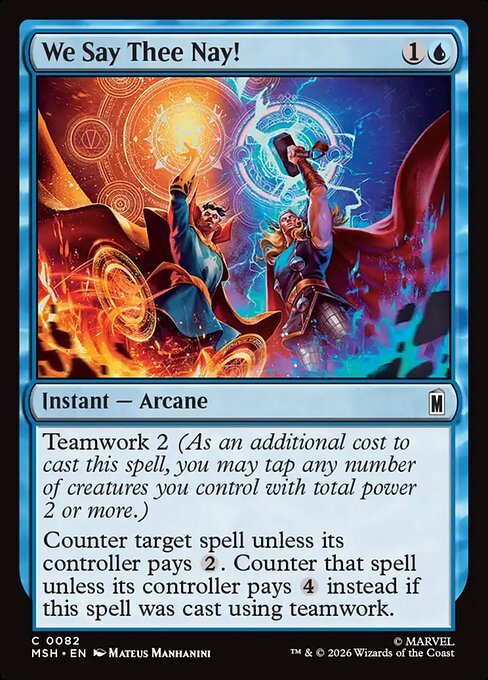
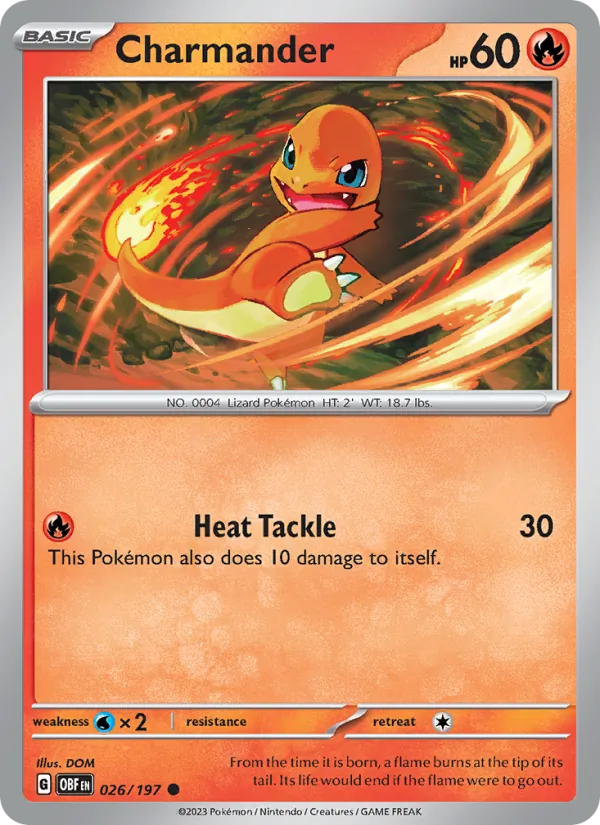
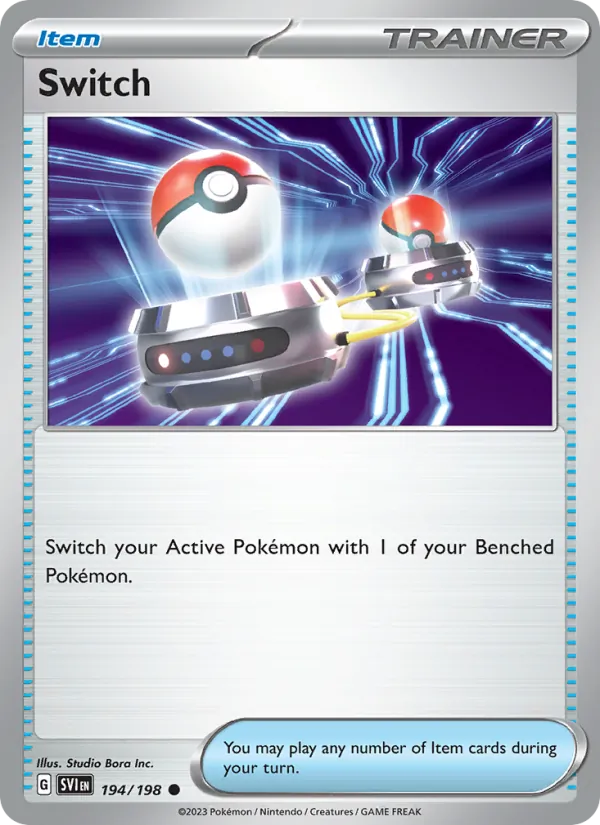
Sound familiar?
- “Lightning Bolt ×3.” Which three?
- Every copy keeps its set, its collector number, its finish and its condition. A foil and a reprint never collapse into one row.
- “I already own this one.” Too late.
- Search your own collection before you buy, and keep the printings you still want on a wishlist.
- “My deck app says I own it. My box says I don’t.”
- Your decks read from your collection, so every deck marks the cards you still need.
Import
Thousands of cards. One upload.
Export a CSV file from the app you use today and upload it. BinderLoot matches every row to the exact printing, and you review the matches before a single card lands in your collection.
Example · manabox_export.csv
- Lightning StrikeM19 · 152 · ×4Matched
- Llanowar ElvesDOM · 168 · Foil · ×1Matched
- Wrath of God10E · 46 · ×1Matched
- Lighting StrikeRow 212 · ×2Needs attention
Nothing is added until you apply the import.
Pokémon
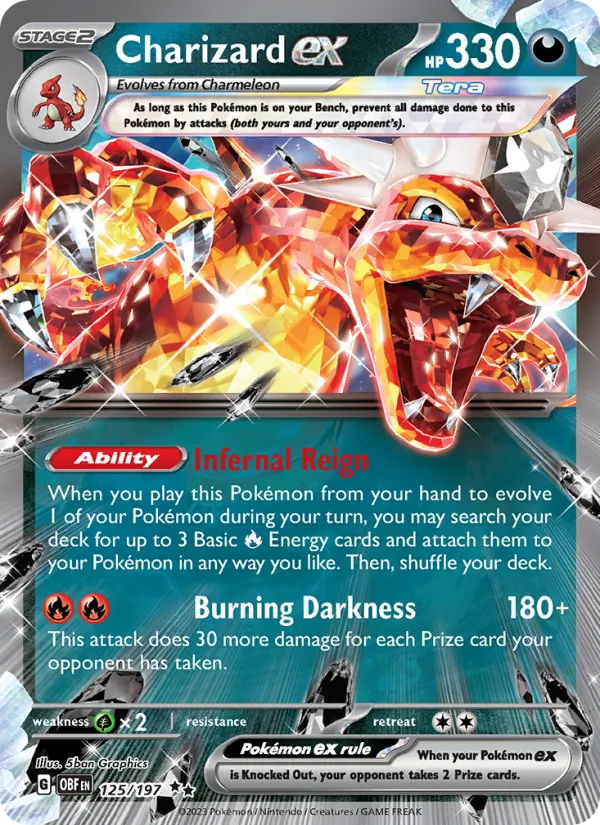
Built for Pokémon collectors, too
Track English and Japanese sets side by side, count every variant, and finish a set one rarity at a time.
- 7 card languages
- English · Japanese · Chinese, Simplified · Chinese, Traditional · Korean · Thai · Indonesian. Each language has its own set list. Choose it at the top of the catalogue.
- Every variant is its own copy
- Reverse Holo, Holo, Poké Ball and Master Ball reverses, 1st Edition and stamped promos. The binder on the screen matches the sleeve.
- Complete a set by rarity
- Filter a set by rarity and read how many you own, for example 3 of 12.
Scan
Scan a card with your camera
New cards from a pack? Point your phone at a card, confirm the printing BinderLoot read, and the copy lands in your collection.
Deck wizard
The deck builder that knows what is in your boxes.
Pick a Magic format. The deck wizard reads your collection and suggests decks you can build tonight. It adds the basic lands, explains every choice, and checks the deck against the format while you edit.
Find the decks in your collection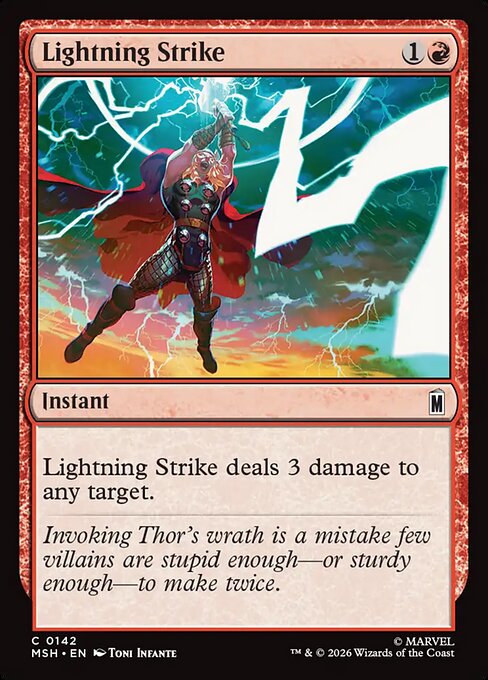
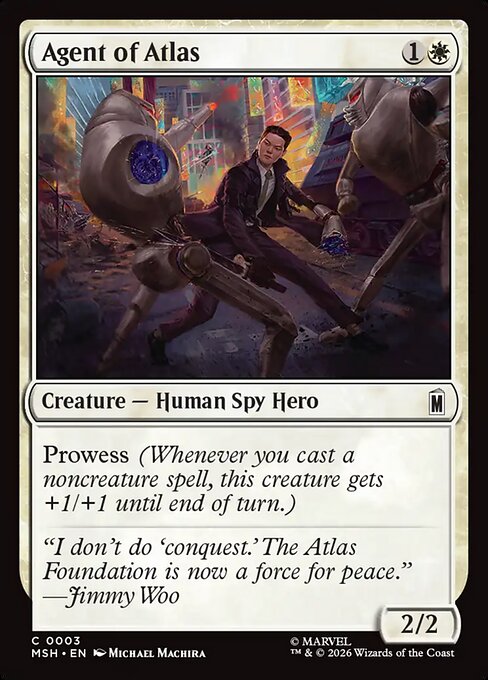
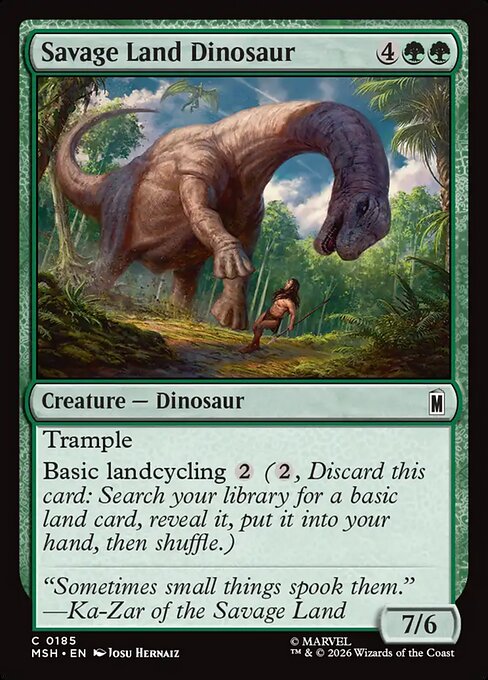
Example · 3 decks from your cards
- Red and green57 of 60 cards owned
- Black and red55 of 60 cards owned
- Mono white60 of 60 cards owned
Binders
Your binder, pocket by pocket
Drag a card into the pocket it sits in. The page counts the pockets you filled and the copies inside them, so the binder on the screen matches the one in your hands.
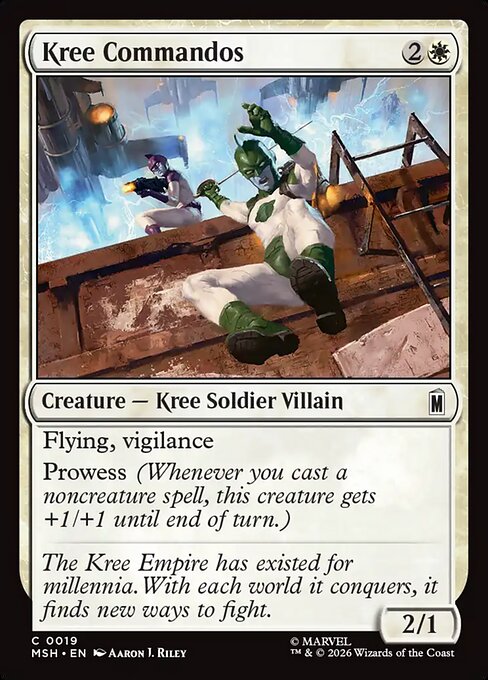
Page 1 · 4 of 9 pockets filled
Collection
Know what you have
- What it is worth
- The daily reference price of every Magic printing you own, added up. An estimate with its date, never an offer.
- How much of each set
- Every set page says how many of its cards you own, down to the percent.
- A wishlist that knows the printing
- Save the exact printing you want, or say that any version will do.
- Tags on any copy
- Mark copies for trade, for a deck, or for anything else, then filter by the tag.
- A profile to share
- A page at /@yourname that shows what you choose to show, and nothing else.
- Your data, in a file
- Your collection, binders, decks and wishlist, in a CSV file you keep.
Game night
Free tools for the table
No account needed. Open one on your phone between games.
Learn
Never played? Start here.
12 guides, 162 glossary terms, and a quiz that picks a format for you. Written for somebody who has never shuffled a deck.
Magic: The Gathering
Turns, combat, the stack and the five colors.
Pokémon
Set up, take a turn, attack and evolve.
How it stays free
Built by one person. Free for every collector.
- No ads.
- The page counter keeps no cookie. A link to a card shop says when the shop pays BinderLoot.
- No paid tier.
- Every feature is free. Collectors who want to help pay once and get a crown next to their name. Nothing else.
- Your data leaves with you.
- Export your whole library to CSV at any time. No account lock, no export fee.
Last update: Read what changed
Become a patronCompare
What the other apps charge for
Every fact about another app comes from its own site or its App Store listing, with a link to the source.
| Topic | BinderLoot | ManaBox | Collectr |
|---|---|---|---|
| Price | BinderLoot Free. Every feature, no paid tier. An optional one-time patron payment adds a badge. | ManaBoxFree. ManaBox PRO costs $2.49 a month or $22.99 a year. "Remove ads" costs $1.99. Source | CollectrFree tier. Collectr PRO costs $59.99 a year or $7.99 a month. Source |
| Ads | BinderLoot No ads. | ManaBoxThe App Store listing says "Contains Advertising". Source | CollectrThe App Store listing says "Contains Advertising". Source |
| Export | BinderLoot CSV of the collection, one binder or the wishlist. | ManaBoxCSV of the whole collection, one binder or one list. Source | CollectrWith PRO. The format is not stated. Source |
| Price history | BinderLoot The last 30 days on each card page. | ManaBoxNot stated on the ManaBox site. | CollectrThe full history, up to 5+ years, with PRO. Source |
Read on . Prices change, so check the source before you pay.
Install
BinderLoot is an app
Install it on your phone or your computer. It opens full screen from its own icon and starts faster.
Android, Windows, Mac and Linux
In Chrome or Edge, open the browser menu and choose Install BinderLoot. On Android, the menu can say Add to Home screen instead.
iPhone and iPad
- Tap Share in the Safari toolbar.
- Scroll the menu and tap Add to Home Screen.
- Tap Add. BinderLoot opens from its
 icon on your home screen.
Reading this inside Instagram or another app? Open BinderLoot in Safari first. The browser inside another app cannot add it to your home screen.
Already installed? Open BinderLoot from your home screen or your dock.
Questions
- Is it actually free?
- Yes, every feature. One optional payment puts a patron badge beside your name. It gives you nothing else. Read about the patron badge
- Can I bring my collection from another app?
- Yes. Export a CSV file from ManaBox, Moxfield, Archidekt, Deckbox, TCGplayer or another app, and upload it. You check the import before BinderLoot adds the cards. Read the import guides
- Which games?
- Magic: The Gathering and Pokémon. Both have a catalogue, and both work with your collection, binders and decks. Browse the catalogue
- Where does the card data come from?
- Scryfall for Magic and TCGdex for Pokémon: printings, sets, collector numbers, and the card images you see here.
- Are the prices live?
- No. A Magic card shows the daily TCGplayer market price that Scryfall publishes, with its date. It is an estimate, not an offer.
- Can I get my data out?
- Yes. Export your collection, any binder and your wishlist to CSV whenever you want.
Bring your cards.
Start with the file you already have, or with the cards on your desk.
Free account. Every feature, no tiers.